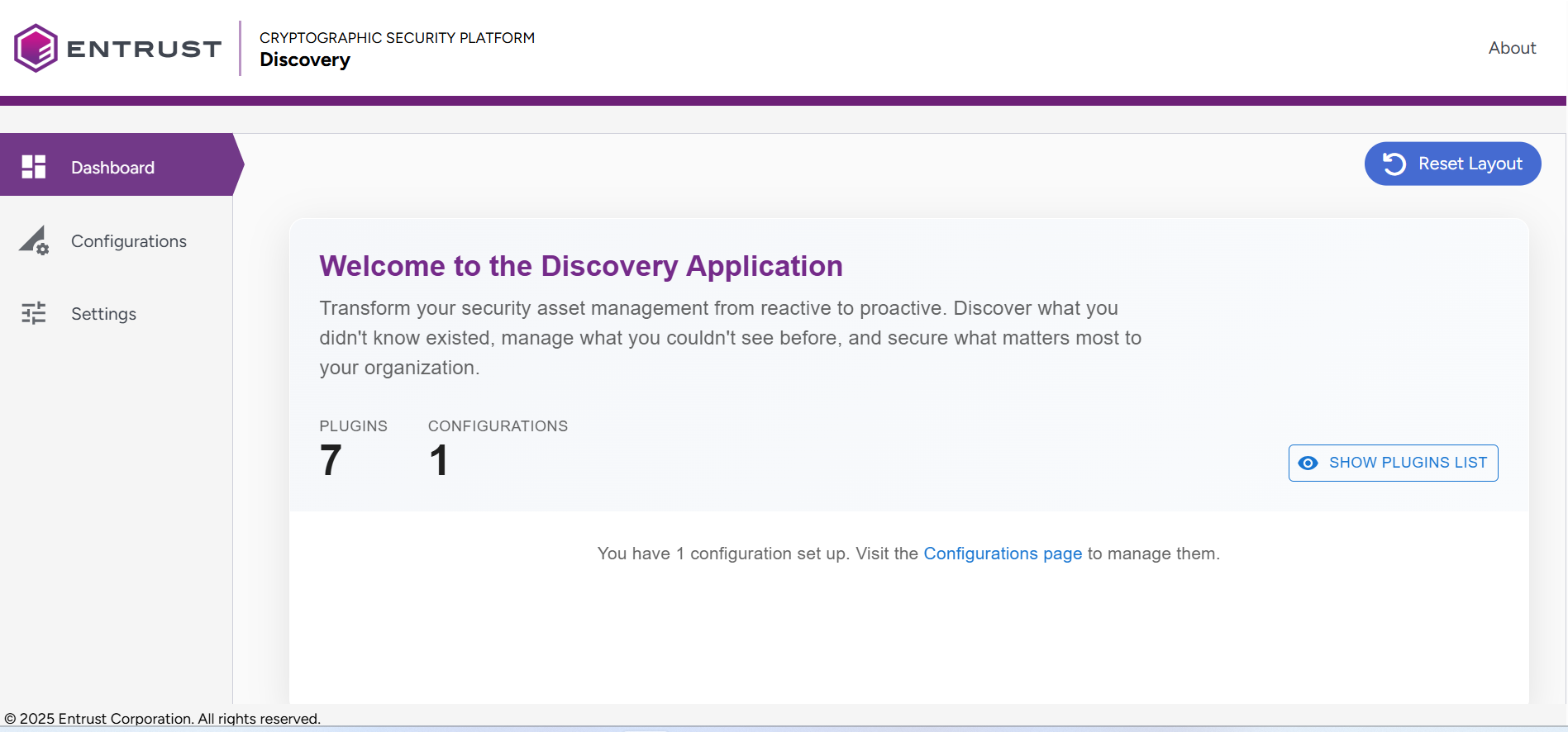
The Dashboard page provides an overview of the Discovery operations through informational widgets.
Changes made to the dashboard, such as widget height and width, layout, and options, are retained in your browser's memory. You can reset all the information by clicking the Reset Layout button.
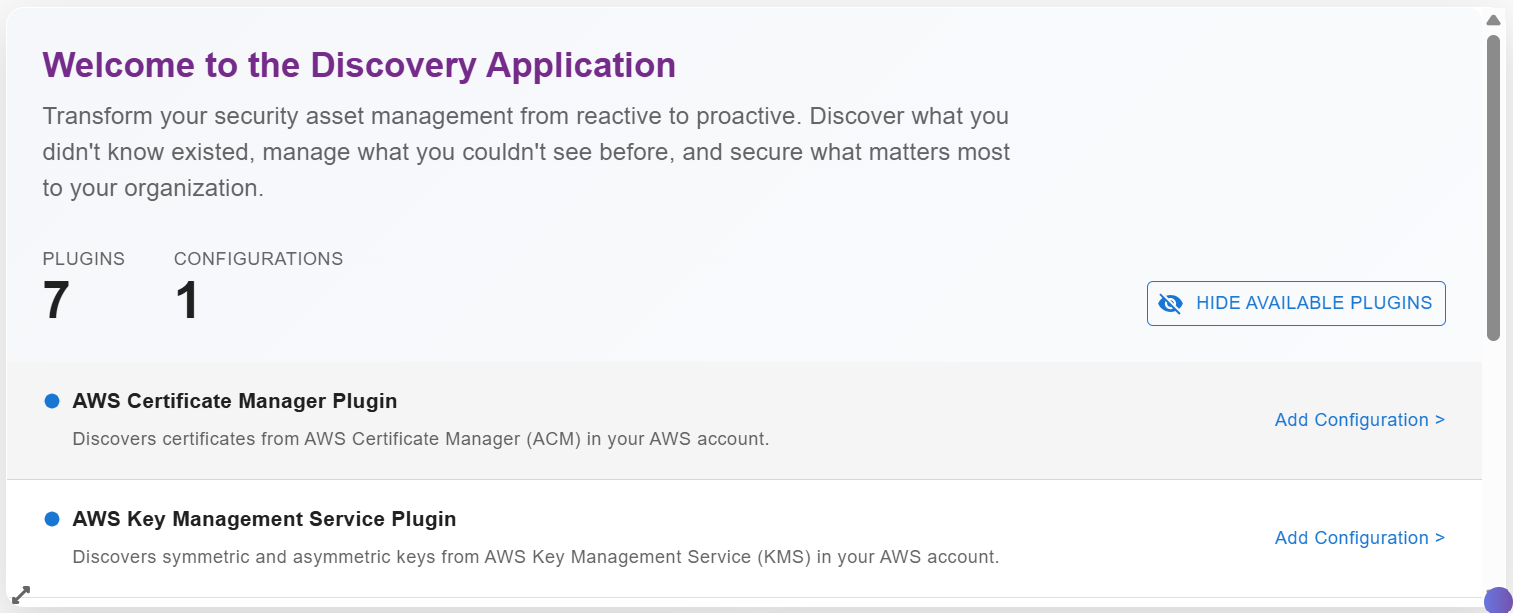
Welcome Widget
The Welcome widget greets you when you first open your dashboard and helps you get started with configurations setup. Think of it as your launchpad for creating new configurations.
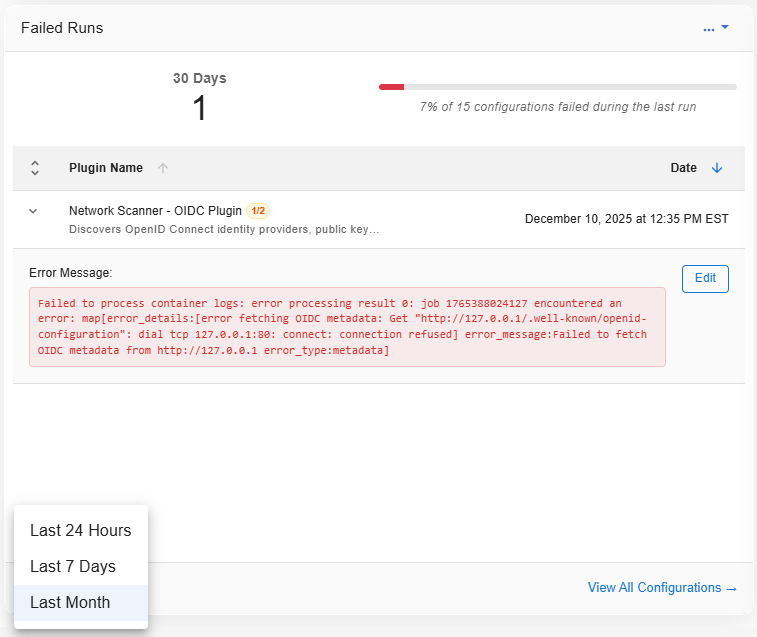
Failed Runs Widget
This Failed Runs widget displays which of your configurations encountered issues during their most recent execution. It acts as a health monitor for your scans, alerting you when problems occur so you can resolve them quickly. From the Failed Runs widget you can:
- Select the > beside the entry to view error details.
- Click the Edit button to modify that configuration.
- Change the date range.
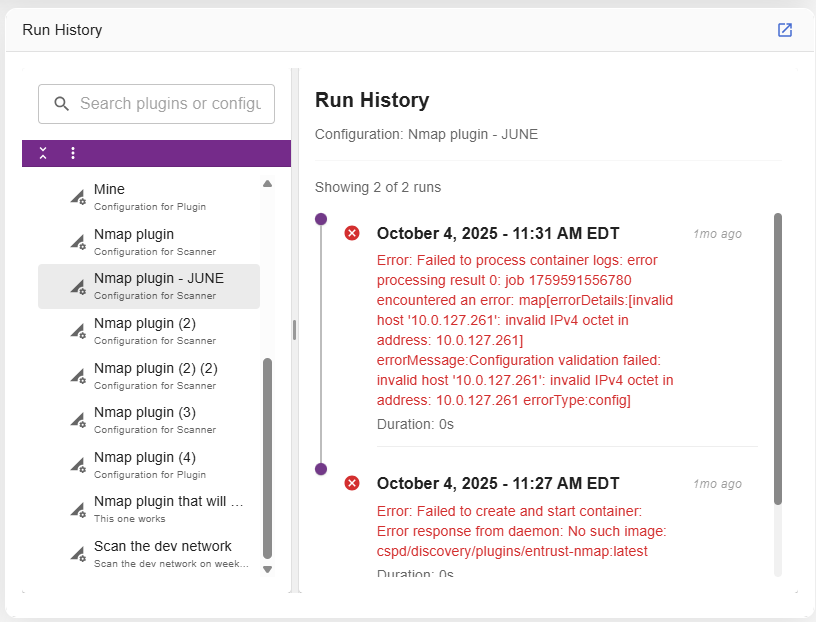
Run History Widget
The Run History widget displays the complete execution history for all your configurations. It acts as a logbook and records every scan run. This includes, when the run started, how long it took, whether the run succeeded or failed, and the totals of what was found. A scan will appear in this list only after it has finished running.