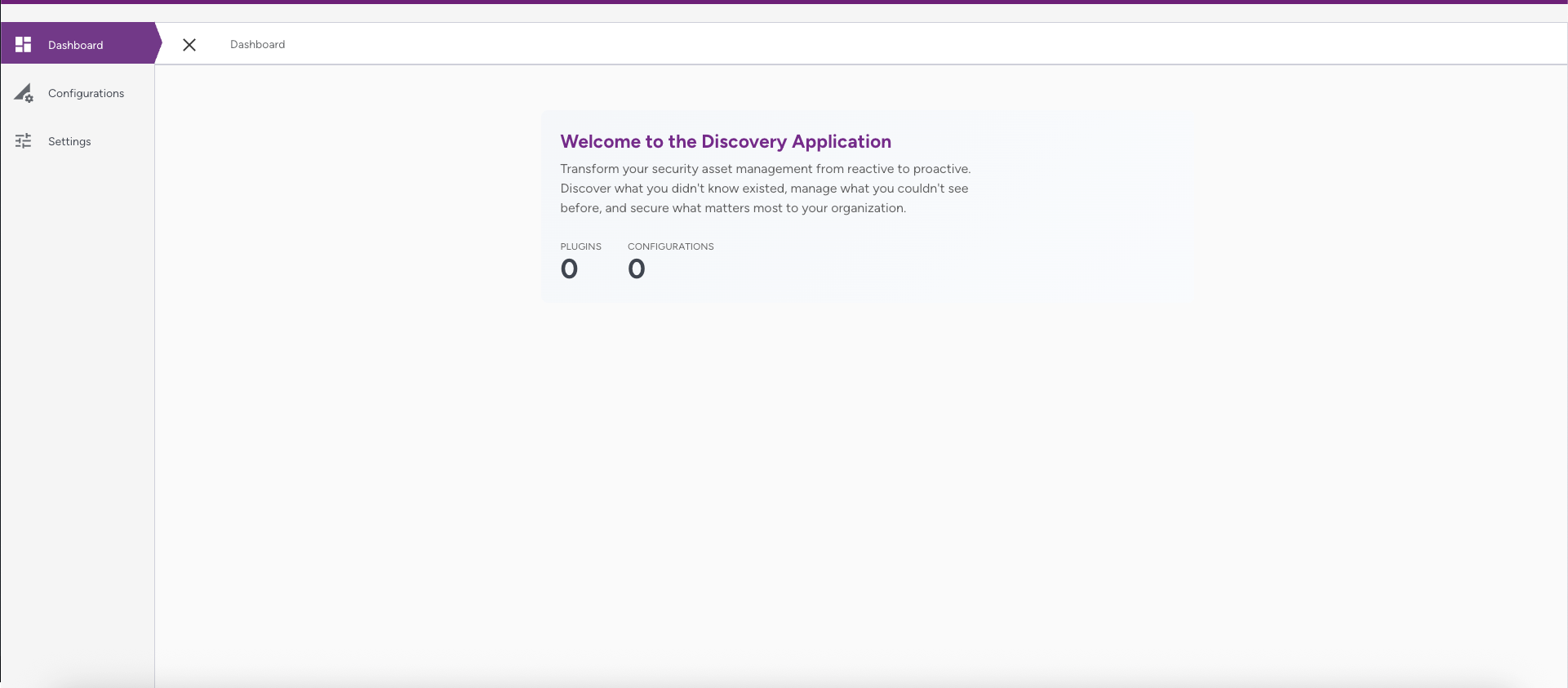
This section explains how to log in to the Discovery Cryptographic Security Platform.
To launch the Discovery application, follow the steps below:
- Open your web browser and navigate to the URL of the Compliance Manager.
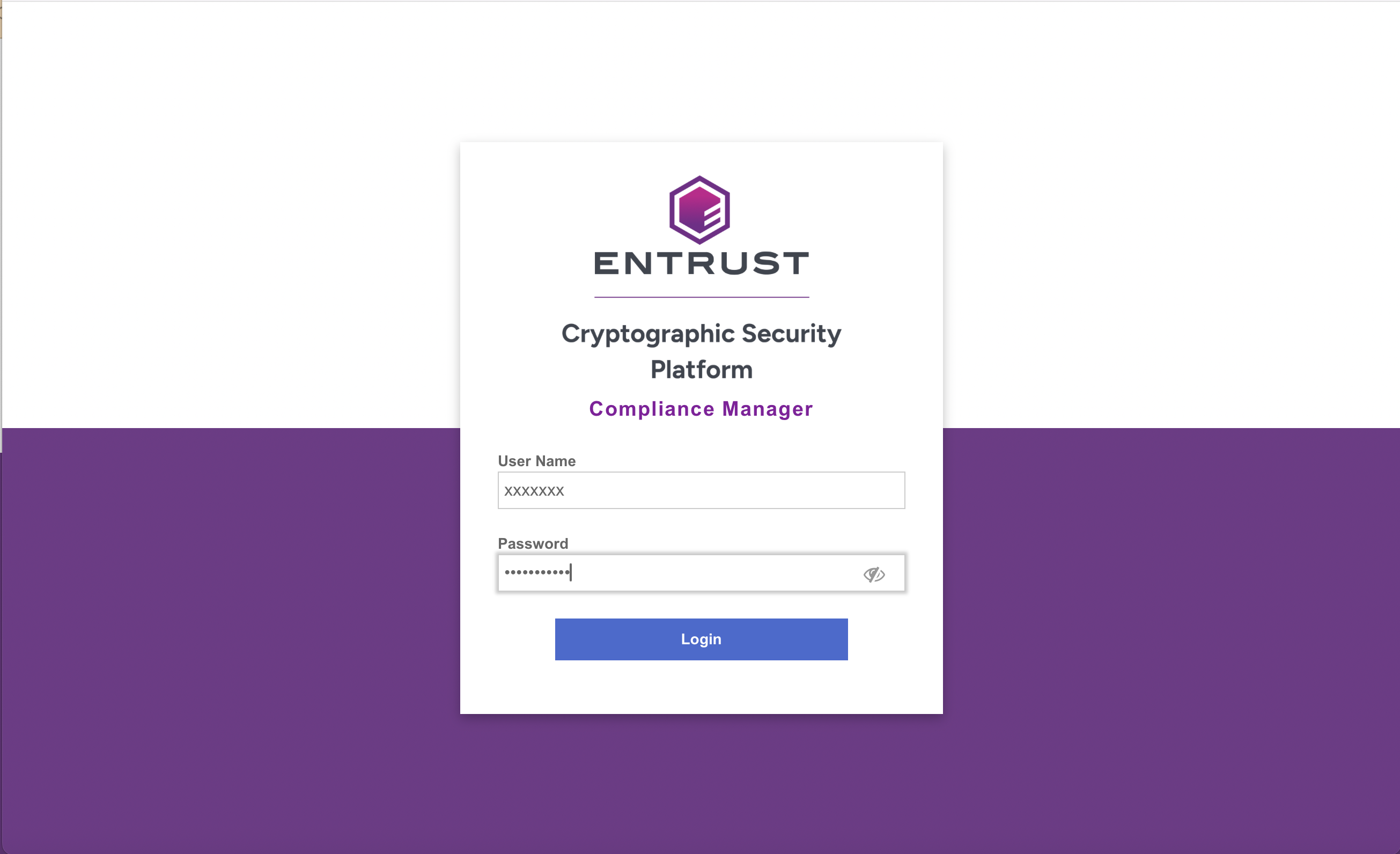
- Log in to the Entrust CSP Compliance Manager.
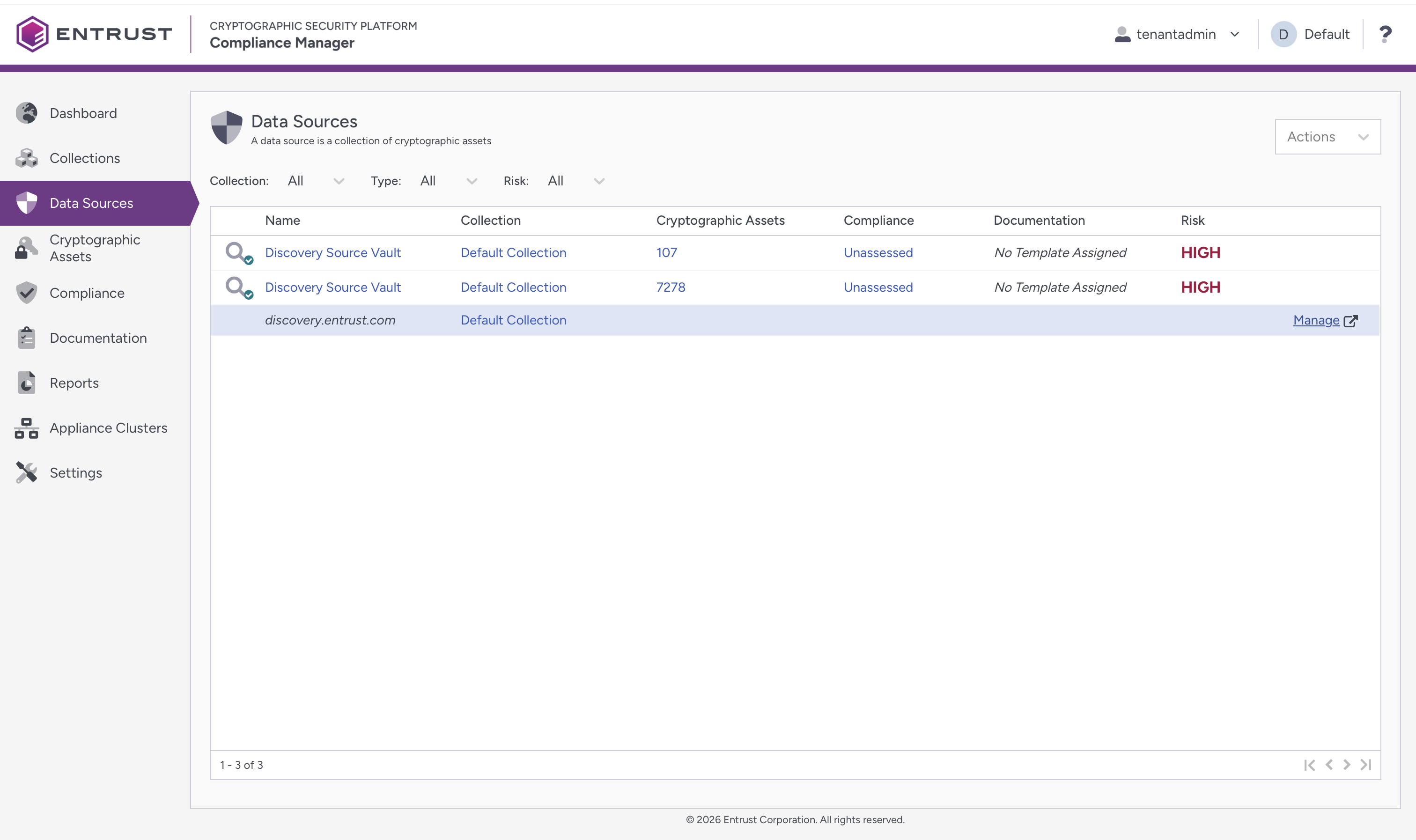
- Click Data Sources, then select the Manage link beside the Discovery URL provided in the Name column.
The Discovery Dashboard is displayed.
You can bookmark the URL if you would like to access the Discovery application directly.