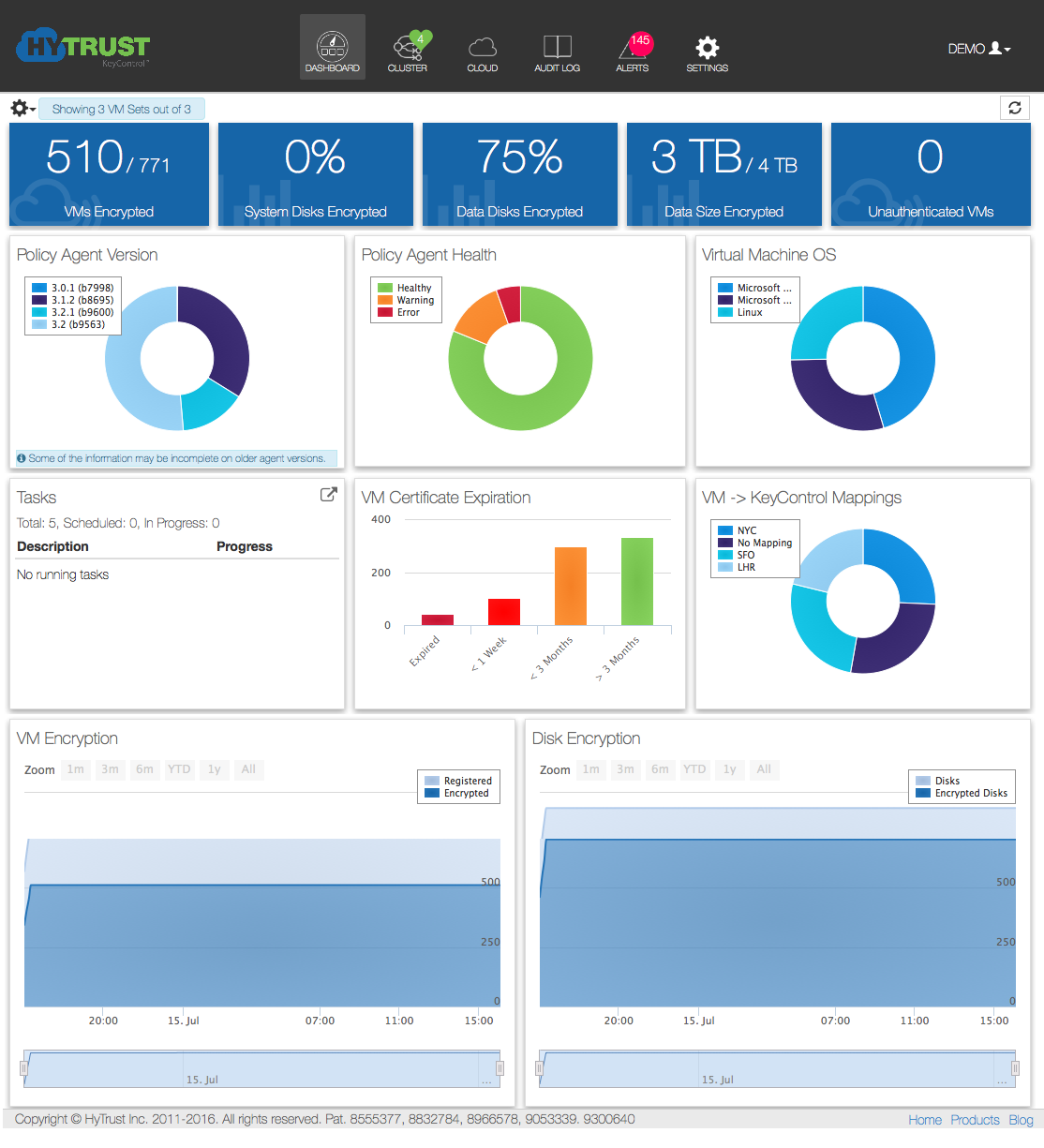
The dashboard presents a graphical overview of your system, either for all your Cloud VM Sets or for a group of user-selected sets.
An example of the full Dashboard appears below:
Procedure
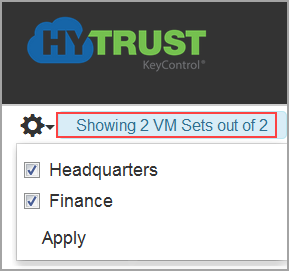
To limit the number of Cloud VM Sets displayed, click the gear icon at the top of the page and select the sets you want to view, then select Apply. The webGUI displays a message next to the gear icon indicating how many Cloud VM Sets you are viewing.
|
v 4.1 |
Copyright © 2017 HyTrust, Inc. All Rights Reserved. |
Follow us: |

