Installation
This section explains how to install and set up KeyControl Vault on Oracle Server.
Install and register the Entrust Policy Agent
You need to:
-
Install the Policy Agent on the Oracle Server VM
-
Create a VM Set in KeyControl Vault
-
Register the Oracle Server VM on the KeyControl Vault VM Set
To install and register the Policy Agent on the Oracle Server:
-
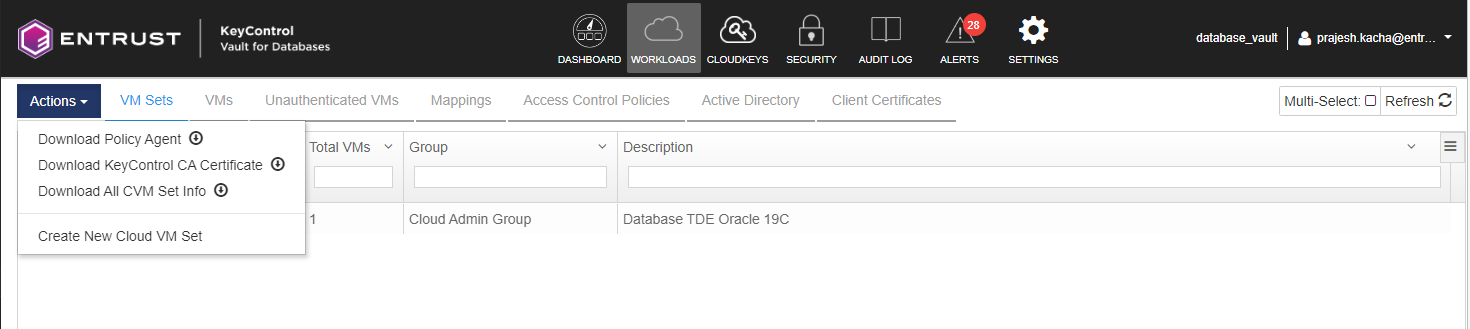
Select WORKLOADS > Actions > Download the Policy Agent.
-
Install the Policy Agent on the Oracle Server VM.
-
Create a VM SET on the KeyControl Vault WORKLOADS tab.
-
Register the Oracle Server VM with KeyControl Vault.
For more information regarding installing the Policy Agent, see Windows Policy Agent Installation.
